
Which Time-Lapse Camera Is Right for Your Budget and Project?

Which Time-Lapse Camera Is Right for Your Budget and Project?
You don’t need to record hours of video to document the construction of a building, the creation of a work of art, or changes in a workspace. A time-lapse camera captures photos at predefined intervals and turns them into a video that shows changes taking place over days or months in a short amount of time. Brinno cameras perform this image-to-video conversion directly in the camera.
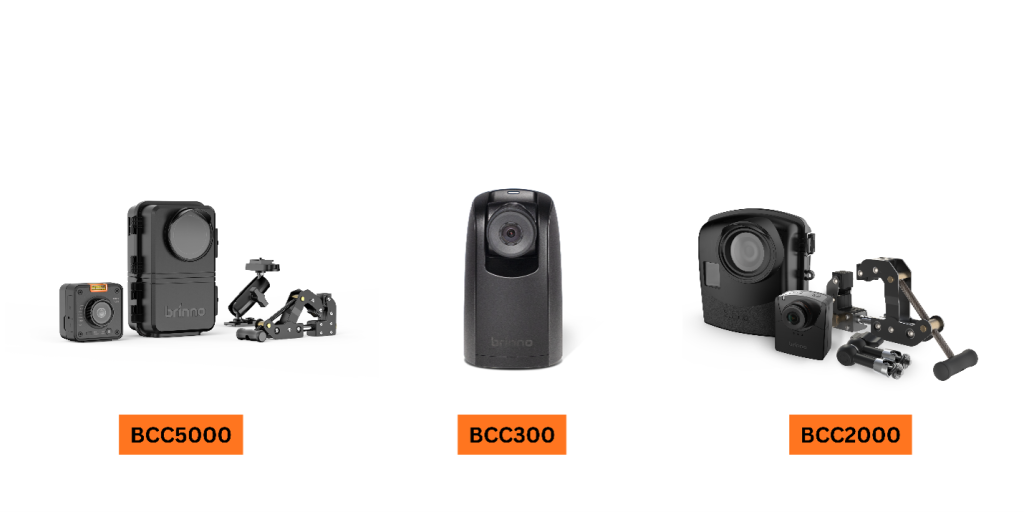
Among the three models reviewed here, the BCC300 is an affordable and straightforward option for getting started and for creative projects; the BCC2000 focuses on long-term documentation and flexibility in recording; and the BCC5000 is suited to users who prioritize 4K detail and remote management. The right choice depends on which features actually match the needs of your project. [1][3][5]

Your Project Determines the Camera You Need
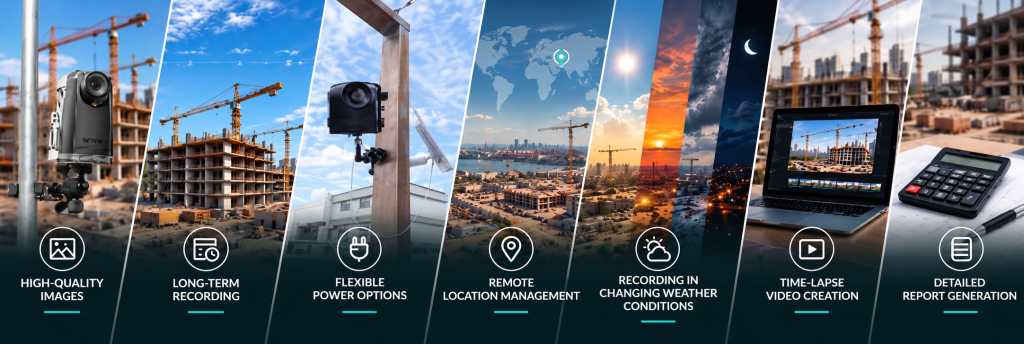
The camera you choose to document the construction process of a building may differ from the one you choose to produce a promotional video of that same building. Before comparing models, define these six criteria:
1. Required Image Quality
How much detail needs to be visible in the image? Full HD may be sufficient for showing the overall progress of a project. If greater detail, viewing on large screens, or cropping and reframing during editing is important, 4K provides greater flexibility. Image quality is not only about resolution; the way bright and shadowed areas are captured, as well as performance under the available lighting conditions, also affects how clearly the images can be read and interpreted.
2. Project Duration
Will the project last a few days, several months, or more than a year? Project duration, capture interval, and daily recording hours determine the requirements for batteries, power supply, and storage. On long-term projects, the recording schedule should be coordinated with the plan for power supply, file retrieval, and backup.
3. Available Infrastructure at the Project Site
Is a stable power supply available where the camera will be installed, or will recording need to run on batteries? Does Wi-Fi and internet coverage reach the camera location? These conditions determine the appropriate power method and whether remote management can be used. Physical access to the site for battery replacement and file retrieval should also be included in this assessment.
4. Location, Environment, and Working Hours
Is the project indoors or outdoors? Does work take place only during the day, or does it continue at night? Heat, cold, rain, humidity, and dust all affect the choice of camera and protective housing. For projects that operate at night, low-light performance should also be evaluated against the actual lighting conditions on site.
5. Intended Use of the Final Video
Is the priority project documentation and completing project-management records, or producing promotional content? Recording construction stages and reporting progress does not necessarily require 4K; Full HD can provide the detail needed for this type of documentation. For promotional use, output quality, lens field of view, camera angle, and framing become more important. Higher resolution also provides more freedom to create different crops from the image during editing.
6. Budget and Total System Cost
Consider the budget for the complete setup: camera, protective housing, mount, power equipment, and storage. The cost of site visits to service the camera and retrieve files is also part of the overall implementation cost. The right choice is the model whose features match the required quality, site conditions, and intended use of the final video.
BCC300: An Affordable Starting Point for Documenting Projects and Creative Processes
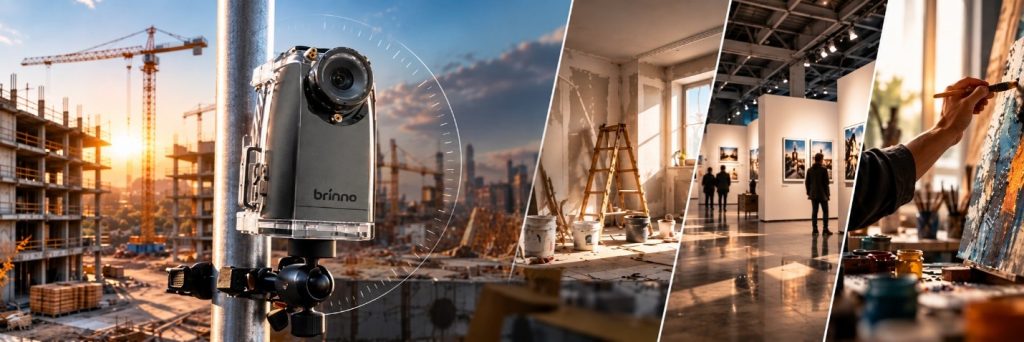
For personal time-lapse projects, short-term renovations, exhibition installations, or documenting the creation of a work of art, the Brinno BCC300 is a practical option. Its simple setup makes it easier to adjust framing and the recording schedule across different projects. Artists can also document their work from the first stage through to the finished piece and make the creative process part of their promotional content.
The TLC300 included in the bundle records in Full HD at 1920 × 1080 pixels with HDR. HDR helps balance detail between bright and shadowed areas—for example, when window light and a darker part of a studio appear in the same frame. The 118° field of view covers a wide area, while the f/2.0 lens, which can be changed through the CS mount and used with compatible lenses, provides greater flexibility in framing. The f/2.0 value indicates the lens aperture. [2]
Easy Time Lapse brings the main settings together in a simple menu. With Schedule Setup, you can align recording days and hours with the project’s working schedule. The 1.44-inch sunlight-readable IPS display also makes it easier to check framing and settings on site. [1][2]
Under the manufacturer’s reference conditions, four AA batteries provide approximately 100 days of operation at a five-minute capture interval; actual operating time depends on the batteries, temperature, and settings. This means the BCC300 can be used not only for short-term applications but also for documenting processes such as plant growth and longer renovation projects. [2][7]
Bundles: The BCC300-M includes a wall mount, while the BCC300-C includes a clamp mount. Both include the TLC300 camera and the ATH120 housing with an IPX4 protection rating. [1]
BCC2000: Consistent Documentation of Project Stages Over the Long Term
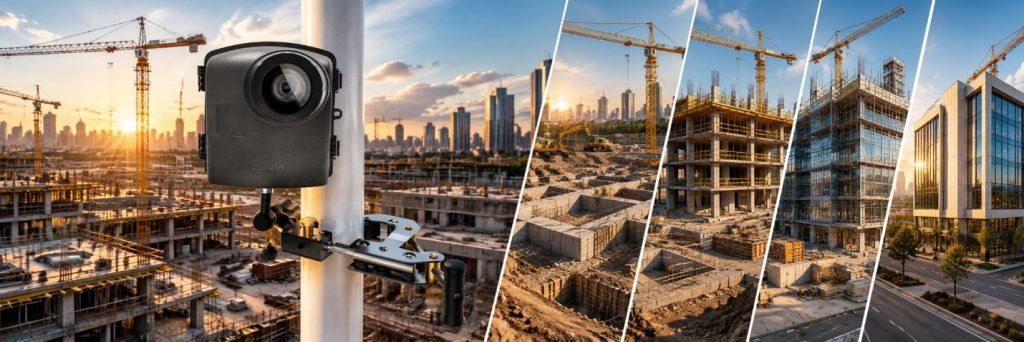
In construction projects, the value of the footage depends on consistently documenting each stage of the work—from site preparation and structural work to façade installation and equipment installation. The Brinno BCC2000 is a suitable choice for teams that want to capture this process in a traceable visual archive and keep the recording schedule aligned with project working hours.
With Full HD HDR image quality, a 118° field of view, and an f/2.0 lens, this model captures a wide view of the work in progress. Daily and weekly scheduling, together with support for compatible CS-mount lenses, allows the camera to be configured to suit the project. [3][4][7]
Its recording modes are designed for different applications:
• Time Lapse: Captures photos at defined intervals and converts them into a time-lapse video.
• Step Video: Records short video clips at defined intervals and combines them to show selected periods of movement and activity.
• Stop Motion: Captures frames manually, one by one, for animation and creative content.
• Still Photo: Captures a single image of a specific stage or condition. [7]
The ATH2000 housing provides space for 16 additional AA alkaline batteries, an advantage when planning power for projects lasting several months. With an IPX5 protection rating, the housing protects the camera against water jets. This combination of power capacity and recording settings makes the BCC2000 a suitable option for documenting construction and industrial processes. [3]
Bundle: The BCC2000 set includes the camera, ATH2000 housing, and industrial clamp. The BCC2000 Plus is a separate bundle that adds the AFB1000 extension kit for wired access. [3]
BCC5000: 4K Detail and Remote Camera Management from Your Office
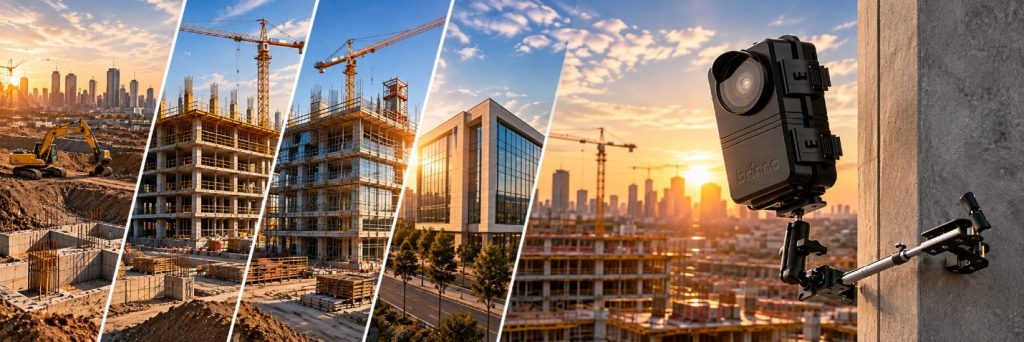
When project footage will be used in promotional films, investor presentations, or advertising content, image detail and editing flexibility become more important. The Brinno BCC5000 combines these needs with 4K imaging and remote management.
The TLC5000 included in the bundle records at 3840 × 2160-pixel 4K UHD resolution—four times the pixel count of Full HD. This is useful for showing detail and for cropping part of the image when preparing a Full HD output. The 1/1.8-inch Sony STARVIS 2 sensor, Clear HDR, and low-light performance help capture images under changing lighting conditions. The 118° field of view also brings a wide area into the frame. [5][6]
Bluetooth is available for setup near the camera. When connected to a Wi-Fi network with internet access, Brinno’s MCS platform allows you to start and stop recording, change the schedule and capture interval, check battery status, and retrieve files remotely. This is useful for teams managing a project from the office or from another city. [8][9]
The MRB1000 rechargeable battery system and support for microSD cards up to 256 GB provide flexibility when planning power and storage. [5][8]
Bundle: The BCC5000 includes the TLC5000 camera, ATH5000 housing with an IP65 protection rating, ACC5000 clamp, and two MRB1000 batteries. With additional batteries, total capacity can be increased to four batteries: one in the camera and three in the housing. [5][10]
Frequently Asked Questions
1. Which camera is more suitable for short-term projects, artistic work, or personal time-lapse use?
The BCC300, with Full HD HDR image quality, simple setup, and an affordable price point, is a suitable choice for personal use, short-term projects, and activities such as exhibition installations. Artists can document the creation of their work from beginning to end and produce a cohesive video to present their work. Its ease of use also makes it practical across different projects and locations. [1][2]
2. Which camera is more suitable for construction projects lasting longer than six months?
The BCC2000 and BCC5000 are suitable options because they support recording schedules and expanded power capacity. The BCC2000 is suited to Full HD documentation with standalone recording; the BCC5000 also provides 4K image quality and remote management. To cover the full project duration, the power-supply and file-retrieval plan should be defined according to the recording settings. [3][5][8]
3. Which model should I choose for outdoor use and challenging weather conditions?
Both the BCC2000 and BCC5000 have protective housings suitable for outdoor use. The ATH2000 housing used with the BCC2000 has an IPX5 water-protection rating; the ATH5000 housing used with the BCC5000 has an IP65 rating, providing protection against dust and water jets. The final choice should take rainfall, dust, and the specified operating temperature range of the equipment into account. [3][5][8]
4. How can I calculate the battery life required for my project?
Battery life can be estimated based on the camera model, the time between two consecutive captures—or the interval—daily recording hours, and the type and number of batteries. The manufacturer’s calculator and guidance provide a basis for this estimate; ambient temperature and camera settings also affect actual results. By using the Brinno Time Lapse Calculator and consulting Trivion Tek, you can select the appropriate camera and power-source combination. [7][8][14]
5. How long will the final video be, and can its playback speed be changed?
Video length depends on the number of captured images and the playback frame rate: Number of frames ÷ frames per second = video duration in seconds. For example, 900 images played at 30 frames per second produce a 30-second video.
The output from all three models can be made shorter or longer in editing software by changing the playback speed. Therefore, final video length is generally not the main criterion when choosing a model; selecting an interval that matches the pace of the work and setting the appropriate playback speed are more important.
6. Can I access the camera and project footage from my office?
The BCC300 and BCC2000 are designed for standalone recording to a memory card, low power consumption, and long operating times. These two models do not provide Wi-Fi or internet access, and files are retrieved locally.
If you need to control the camera and retrieve files remotely, the BCC5000 is the more suitable choice. When the camera is connected to a Wi-Fi network with internet access, you can manage recording settings and schedules from your office, check camera status, and retrieve recorded files. [1][3][8][9]
Which Model Best Fits Your Needs?
|
Model |
Choose It When... |
Image & Access |
Power & Kit Protection |
|---|---|---|---|
|
BCC300 |
An affordable starting point, personal use, documenting artistic work, or moving between short-term projects is the priority. |
Full HD HDR; files retrieved on site |
Four AA batteries; ATH120 housing with IPX4 protection |
|
BCC2000 |
Consistent documentation of long-term construction projects and flexibility in recording modes are important. |
Full HD HDR; files retrieved on site |
Space for 16 additional AA batteries in the ATH2000 housing; IPX5 |
|
BCC5000 |
You need 4K output, detailed promotional content, or remote camera management. |
4K and Clear HDR; internet access via Wi-Fi |
Expandable rechargeable battery system; ATH5000 housing with IP65 protection |
Contact Us to Choose the Right Camera for Your Project
To select the right setup, share your project duration, working hours, environmental conditions, power and internet availability, intended use of the final video, and budget with the Trivion Tek team so that the camera, power equipment, and mounting solution can be recommended according to your needs. Contact us by email, phone, or WhatsApp:
Email: info@triviontek.com
Phone: +90 312 310 35 20
WhatsApp: +90 501 545 12 40
WhatsApp: +90 501 545 35 20